
Markdown writing
Checklists, tables, wiki links, tags, attachments, and templates. Preview formatted notes and use Quick Look for files.
Local-first · No account · No ads
Write naturally with Markdown, stay organized with folders and Smart Folders, and keep sensitive content encrypted on your iPhone.
Available on iPhone (iOS 26+) · English & 简体中文
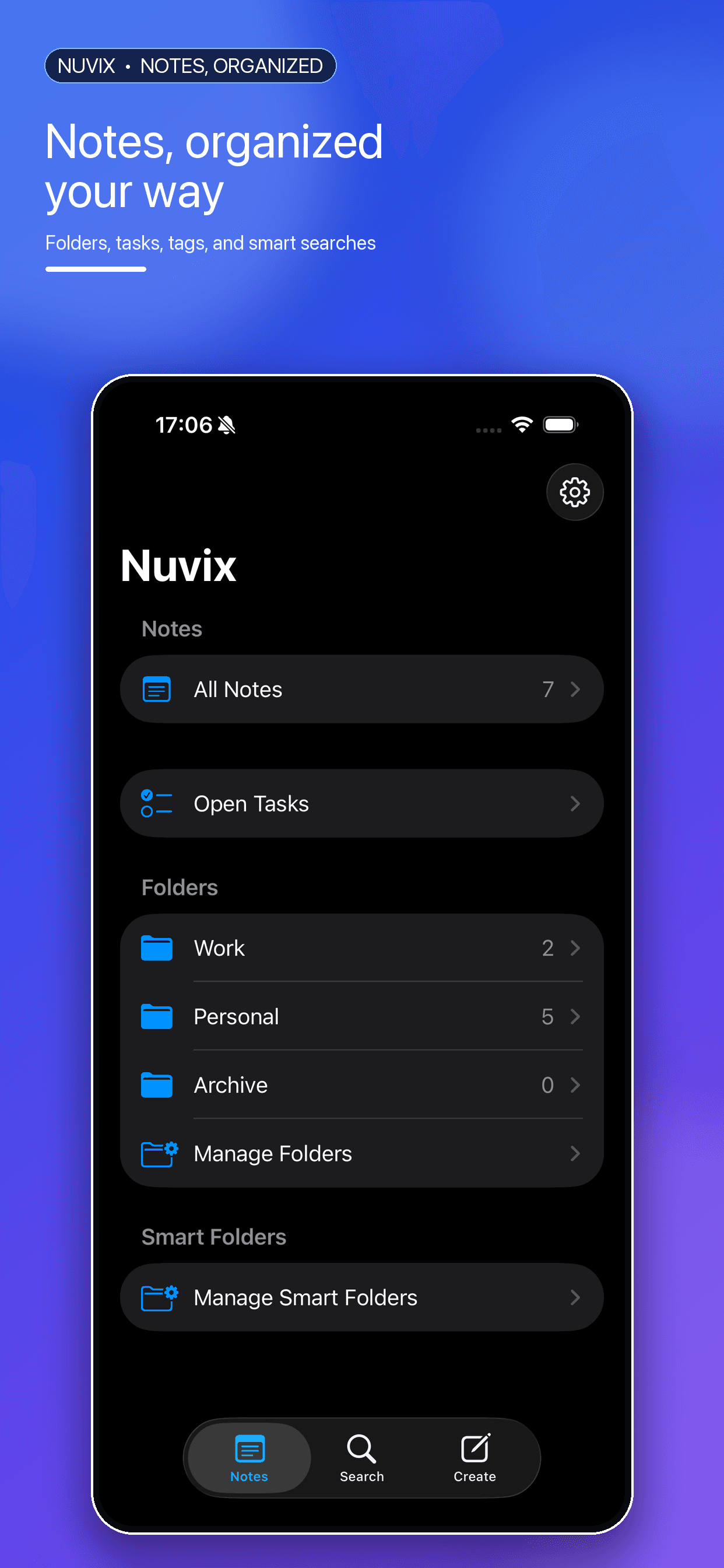
A native SwiftUI experience built for focused writing and quick organization.
From everyday notes to encrypted private storage — all on your device.
Checklists, tables, wiki links, tags, attachments, and templates. Preview formatted notes and use Quick Look for files.
Folders, tags, pinned notes, and a task inbox for unfinished checklists. Full-text search with saved Smart Folders.
Encrypt photos, videos, files, and private notes locally. Protect access with Face ID, Touch ID, or passcode.
Your content stays on your device. No account, no cloud sync, no third-party analytics, and no advertising.
Export individual notes as Markdown or PDF, or batch export by folder when you need your writing elsewhere.
Light and dark appearance, Dynamic Type, VoiceOver support, and bilingual English / Simplified Chinese UI.
Nuvix is built around on-device storage and optional encryption — not cloud accounts or tracking.
Read privacy policyFree on the App Store. Capture everyday ideas and give sensitive content a more private place on your device.
Get Nuvix on the App StoreRequires iOS 26 or later